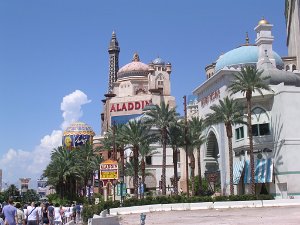
Aladdin

Aladdin

[ JHB Photos ]

169 images

Aria

Aria

[ JHB Photos ]

53 images

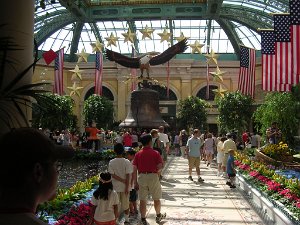
Bellagio

Bellagio

[ JHB Photos ]

218 images

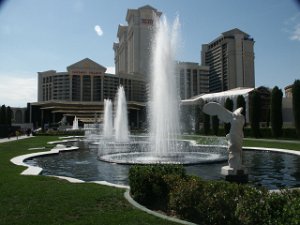
Caesar's Palace

Caesar's Palace

[ JHB Photos ]

28 images

Excalibur

Excalibur

[ JHB Photos ]

36 images

Luxor

Luxor

[ JHB Photos ]

26 images

Mandalay Bay

Mandalay Bay

[ JHB Photos ]

13 images

MGM Grand

MGM Grand

[ JHB Photos ]

32 images

Mirage

Mirage

[ JHB Photos ]

31 images

Monte Carlo

Monte Carlo

[ JHB Photos ]

3 images

New York, New York

New York, New York

[ JHB Photos ]

28 images

Paris

Paris

[ JHB Photos ]

45 images

Treasure Island

Treasure Island

[ JHB Photos ]

18 images

Venetian

Venetian

[ JHB Photos ]

16 images

Wynn Resorts

Wynn Resorts

[ JHB Photos ]

39 images

Splash page · Image page

  1. Up one level Up arrow
  2. Start slideshow Numpad * Space
  3. Subalbums and thumbnails (if exists)

Press F1 at any time to get help!

Splash page · Image page

  1. Thumbnail navigation window
  2. Previous picture Left arrow
  3. Back to splash page / up one level Up arrow
  4. Toggle fit to screen or 1:1 size Numpad +
  5. Show/hide captions and other info Numpad -
  6. Show/hide thumbnails Numpad -
  7. Start/stop slideshow Numpad * Space
  8. Next picture Right arrow
  9. Double click the image to switch between fit to window or 1:1 magnification. You can also drag and move if larger than the screen.
  10. Information window: caption, photo data, map, shopping cart, etc.